TaHoma DIN-Rail

NEW TaHoma® DIN-Rail
Connecting a new home has never been so easy
TaHoma DIN-Rail is the new 2-in-1 solution dedicated to new-build homes
Connected is standard in new houses and apartments. For property developers and electricians, Somfy’s new TaHoma DIN-Rail solution makes connecting new-build homes quick and easy.
The new version of the TaHoma DIN-Rail box is much more compact, to fit snugly into the electrical panel. Simple to install, it’s also easier to commission with the new TaHoma pro app.
.jpg)
THE BOX INTEGRATES DIRECTLY INTO THE BUILDING
Fit TaHoma DIN-Rail directly and easily on to the electrical panel during construction of new houses or apartment buildings.
- Optimised for construction sites – less risk of damage to loose parts
- More sale and rental value for the property
- Discreet solution for occupants
.jpg)
New features
- 40% more compact: just 7 DIN units
- Cables click into place
- A DIN rail clip system that is easy to manipulate
- Easy access thanks to REBOOT and PROG buttons on the front

An App Dedicated to Professionals
With the TaHoma pro mobile application, on-site commissioning and troubleshooting of TaHoma DIN-Rail are quick, effective and error-free. It can work without the internet, for offline installations.
Install offline easily with the expert mode

TaHoma app
Occupants discover the convenience of a connected home
Thanks to the TaHoma app, it’s easy and convenient for occupants to manage their home. They control their equipment wherever they are – at home or away.
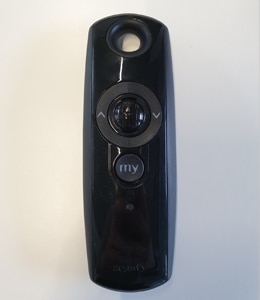
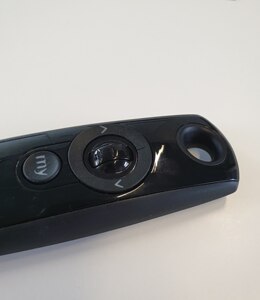
If tenants want to go further in the experience, offer them a Somfy scene launcher to run programmed scenes in one tap (for example, leaving/arriving home).

TaHoma app is compatible with all Somfy Products as well as Partner Brands


How do I invite someone to access my door lock?
(43)
2021-01-26 11:01:00.0
The Owner and the Administrators can create and share access. To do so, in the Somfy Keys app, go to "Manage Access" then "New Kit" and "New Keys". This new access key can be access via the app, a badge or a code. This access can be shared by email or SMS. Sharing the code is done at your convenience.
You can also add a Badge to a Trousseau via the Somfy Keys app. For this, go to "Manage Access", "New Kit" and then "New Keys". Select "Badges" and enter the references on the Badge into the app.